Why Businesses Choose Megabytes Technologies for Salesforce Consulting

Why Businesses Choose Megabytes Technologies for Salesforce Consulting?

In today’s highly competitive digital landscape, Salesforce has become the #1 CRM platform for businesses looking to streamline operations, improve customer relationships, and drive growth. However, simply having Salesforce isn’t enough — you need the right consulting partner to unlock its full potential. 

This is where Megabytes Technologies stands out as a trusted Salesforce consulting company, offering tailored solutions to help businesses achieve measurable success. 

Whether you’re a startup or an enterprise, here’s why companies worldwide choose Megabytes Technologies for their Salesforce consulting services.

1. Proven Expertise Across Salesforce Clouds

Megabytes Technologies has a team of certified Salesforce experts skilled in multiple Salesforce clouds:

  • Sales Cloud – streamline your sales process and boost revenue. 
  • Service Cloud – deliver exceptional customer service experiences. 
  • Marketing Cloud – create personalized marketing campaigns powered by data. 
  • Field Service Lightning (FSL) – optimize workforce management. 
  • CPQ & Billing – simplify complex pricing and invoicing. 

By combining deep technical expertise with business strategy, we ensure that your Salesforce implementation is designed for maximum ROI

2. Customized Solutions for Every Business

No two businesses are the same — which is why cookie-cutter Salesforce solutions don’t work

Megabytes Technologies specializes in custom Salesforce consulting, helping you:

  • Build tailored workflows for your unique processes. 
  • Integrate Salesforce with third-party apps like ERP, payment gateways, and marketing tools
  • Create custom Lightning Web Components (LWC) for advanced functionality. 
  • Optimize your existing Salesforce instance to improve performance.

This personalized approach ensures you get a CRM that truly aligns with your business goals.

3. Affordable and Scalable Salesforce Services

Many businesses hesitate to invest in Salesforce consulting due to high costs. Megabytes Technologies solves this by offering:

  • es Technologies solves this by offering: 
  • Flexible pricing plans tailored to startups, SMEs, and enterprises. 
  • A scalable model that grows with your business needs. 
  • Cost-effective Salesforce support services, so you only pay for what you need.

This makes us the ideal partner for businesses looking for affordable Salesforce consulting without compromising on quality

4. End-to-End Salesforce Support

Megabytes Technologies provides comprehensive support throughout your Salesforce journey:

  • Consultation & Strategy – identify business needs and define objectives. 
  • Implementation – configure and deploy Salesforce solutions. 
  • Integration – connect Salesforce with your existing tools and systems. 
  • Training – empower your team with hands-on Salesforce knowledge. 
  • Ongoing Support & Maintenance – ensure continuous improvement.

With 24/7 support, you never have to worry about downtime or technical issues.

5. Driving Measurable Business Growth

At Megabytes Technologies, we don’t just implement Salesforce — we drive real results
Our clients see improvements such as:

  • 30% increase in sales efficiency through process automation. 
  • 40% reduction in service response times with Service Cloud. 
  • Higher customer satisfaction scores thanks to improved workflows.

Our focus is on tangible business growth, not just technical implementation.

Why Businesses Trust Megabytes Technologies

Key Benefits Megabytes Technologies 
Certified Salesforce Experts ✅ Yes 
Affordable Pricing ✅ Yes 
Tailored Solutions ✅ Yes 
24/7 Support ✅ Yes 
End-to-End Implementation ✅ Yes 

With deep industry expertise and a client-first approach, we’ve become the go-to Salesforce consulting partner for businesses across multiple sectors, including finance, healthcare, real estate, retail, and technology.

Conclusion

Choosing the right Salesforce consulting company can make the difference between simply using Salesforce and unlocking its full power

Megabytes Technologies helps businesses optimize their CRM strategy, streamline processes, and achieve scalable growth through innovative Salesforce solutions. 

Get in touch today to discover how Megabytes Technologies can transform your Salesforce experience and accelerate your business success.

Powering Growth with Big Five CRM (1)

Megabytes Technologies: Powering Growth with Big Five CRM

Introduction: Driving Growth with Big Five CRM

In today’s competitive digital marketplace, smart decision-making is critical to growth. Megabytes Technologies, a leader in business solutions, empowers organizations with Big Five CRM, a cutting-edge tool designed to streamline operations, enhance customer engagement, and accelerate revenue. 

What makes Big Five CRM unique is its Decision Engine, which helps businesses take data-driven actions instantly. With this feature, companies can identify the right opportunities, improve sales efficiency, and deliver exceptional customer experiences.

Why Megabytes Technologies Chooses Big Five CRM

Megabytes Technologies selected BigFive CRM for its ability to integrate automation, analytics, and advanced decision-making in one platform.

Key Advantages:

  • Decision Engine for smarter actions 
  • Streamlined sales pipeline management 
  • Workflow automation to reduce manual tasks 
  • Real-time reporting and forecasting 
  • Scalable CRM solution for growing businesses

By using these features, businesses improve performance, minimize lead leakage, and achieve sustainable growth.

Key Features of Big Five CRM That Power Growth

Here’s how Big Five CRM drives success for Megabytes Technologies and its clients:

1. Decision Engine for Smart Business Actions

The Decision Engine is Big Five CRM’s standout feature. It uses real-time data and business rules to:

  • Automatically assign leads to the right sales reps 
  • Trigger follow-up actions based on customer behavior 
  • Prioritize high-value opportunities 
  • Optimize marketing campaigns using insights

Example:

If a lead’s engagement score drops, the Decision Engine can instantly create a follow-up task or send an automated re-engagement email — ensuring no opportunity is lost.

2. Streamlined Lead Management

BigFive CRM simplifies lead capture and nurturing:

  • Capture leads from websites, ads, and campaigns 
  • Assign leads automatically based on rules 
  • Prevent lead leakage with tracking and reminders

This ensures sales teams focus on the right leads at the right time.

3. Sales Pipeline Visibility

With BigFive CRM, businesses gain real-time insight into their sales pipeline:

  • Track every opportunity from lead to close 
  • Identify bottlenecks early 
  • Forecast revenue with accuracy

4. Automated Follow-Up Reminders

Missed follow-ups can cost sales. BigFive CRM’s automation ensures:

  • Automatic reminders for every sales rep 
  • Follow-up tasks created instantly 
  • Better customer retention through timely engagement

5. Real-Time Analytics and Reports

BigFive CRM delivers custom dashboards and actionable insights:

  • Monitor sales performance 
  • Analyze customer behavior 
  • Make smarter business decisions with predictive analytics

How Megabytes Technologies Implements Big Five CRM

Megabytes Technologies uses a structured approach to deploy BigFive CRM for its clients:

  • Discovery: Identify business challenges and goals. 
  • Customization: Configure BigFive CRM’s Decision Engine, fields, and workflows. 
  • Training: Equip teams to use the CRM effectively. 
  • Ongoing Support: Provide updates, troubleshooting, and growth-focused enhancements. 

This ensures clients quickly see measurable improvements in sales performance and customer management.

Benefits of BigFive CRM for Businesses

Businesses that adopt BigFive CRM with Megabytes Technologies experience:

  • 40% increase in lead-to-sale conversion rates 
  • 30% faster sales cycles 
  • Reduced manual errors with automation 
  • Improved customer engagement and retention 
  • Clear visibility into sales performance

Real-World Success: Driving Growth by 50%

A retail client working with Megabytes Technologies faced challenges with untracked leads and missed follow-ups. After integrating BigFive CRM’s Decision Engine:

  • Lead response time improved by 60% 
  • Sales grew by 50% in six months 
  • Customer satisfaction scores increased by 35%

Conclusion: Smarter Decisions, Faster Growth

The future of business growth lies in data-driven decision-making. With Megabytes Technologies and BigFive CRM, businesses gain a competitive edge through automation, advanced analytics, and intelligent workflows. 

By leveraging BigFive CRM’s Decision Engine, companies can streamline operations, close deals faster, and deliver exceptional customer experiences — all while driving sustainable growth. 

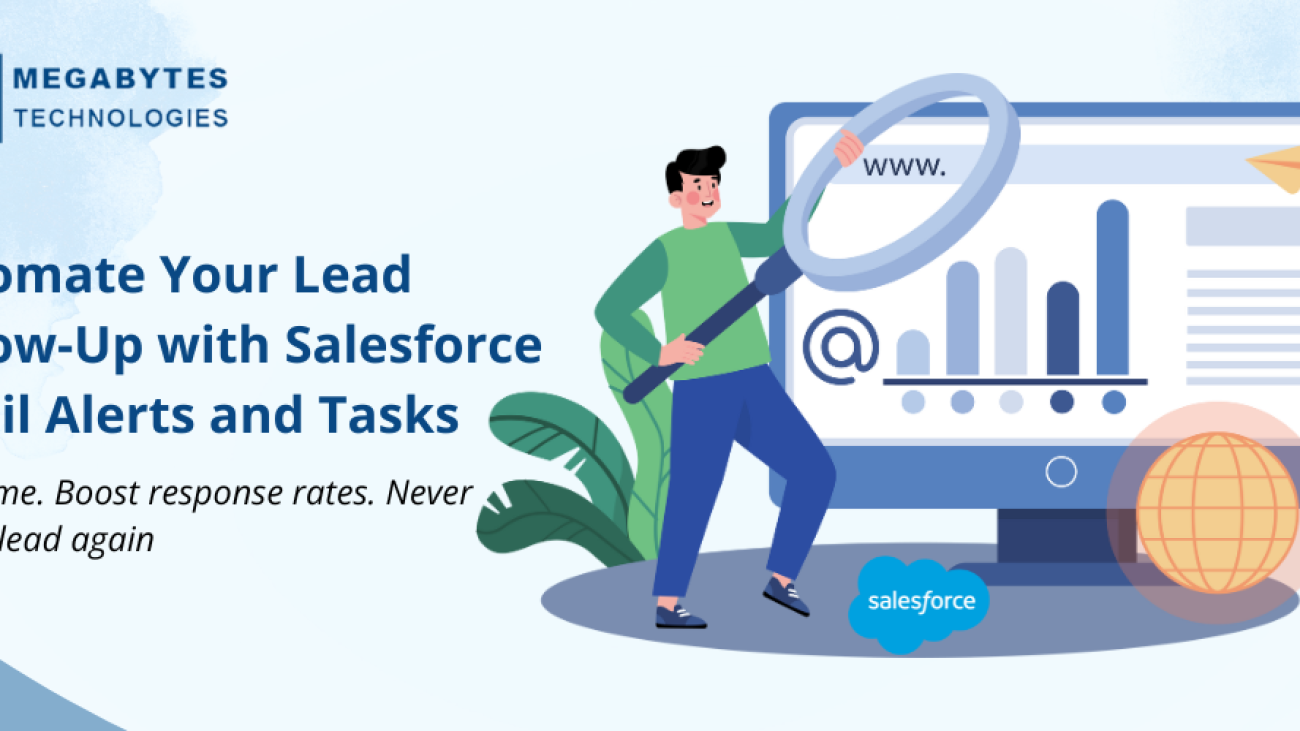
Automate Your Lead Follow-Up with Salesforce Email Alerts and Tasks (1)

Automate Lead Follow-Up in Salesforce with Email Alerts & Tasks

Never Miss a Lead Again — Use Automation to Boost Response Time and Conversion Rates

In the fast-paced world of sales, timely follow-up is everything. Leads go cold quickly, and the difference between closing a deal or losing it often comes down to how fast and effectively your team responds. That’s why businesses are choosing to automate lead follow-up in Salesforce, ensuring every lead is contacted on time and with the right message.

Salesforce offers a powerful way to automate your lead follow-up using built-in tools like Email Alerts and Tasks. These features ensure that your team never misses a follow-up opportunity — keeping leads engaged and conversions flowing. 

In this blog, we’ll explore how you can set up automated email alerts and tasks in Salesforce to streamline your lead management process and improve your sales outcomes. 

Why Automating Lead Follow-Up Matters

Studies show that leads contacted within the first 5 minutes are 9 times more likely to convert. But manual follow-up is prone to delays, especially when your reps are juggling dozens of leads. 

Automation solves this by: 

  • Reducing human error 
  • Increasing response speed 
  • Ensuring consistency 
  • Prioritizing high-value leads 
  • Freeing up time for selling

What Are Salesforce Email Alerts and Tasks?

Email Alerts

Email Alerts are automated emails sent based on specific conditions or triggers. These can be sent to internal users (e.g., sales reps) or to the lead/contact directly. 

Examples: 

  • Auto-email to sales rep when a new lead is assigned 
  • Auto-email to lead confirming form submission 
  • Nurturing emails based on lead stage or score

Tasks

Tasks are scheduled actions or reminders created for a user in Salesforce. They help ensure that follow-up actions happen on time. 

Examples: 

  • “Call Lead” task after 1 day of assignment 
  • “Send Demo Invite” task when lead reaches a certain score 
  • “Follow up after email” task created after an email alert

How to Set Up Email Alerts in Salesforce

Here’s a step-by-step guide:

1. Create an Email Template

Go to: 
Setup > Classic Email Templates (or Lightning Email Templates) 

  • Choose a template type (HTML, text, etc.) 
  • Write the content and include merge fields like {!Lead.FirstName} 
  • Save and activate

2. Create the Email Alert 

Go to: 
Setup > Email Alerts

  • Give it a name 
  • Choose the object (e.g., Lead) 
  • Choose the email template you created 
  • Select recipients (e.g., lead owner, specific email, etc.)

3. Trigger the Alert with a Workflow or Process Builder

  • Use Workflow Rules or Process Builder to define the condition 
    Example: 
    When a new lead is created AND Lead Source = “Web”, send alert 

How to Create Follow-Up Tasks Automatically

1. Use Process Builder or Flow

Go to: 
Setup > Process Builder or Flows 
Create a process/flow on the Lead object

Criteria Example: 

  • Lead Status = “New” 
  • Lead Score > 50

Immediate Action:

  • Create Task 
    • Subject: “Call New Lead” 
    • Assigned To: Lead Owner 
    • Due Date: Today + 1 Day 
    • Priority: High 

You can add multiple tasks based on lead stage or source. For complex logic, Salesforce Flow provides more control.

Pro Tips for Effective Automation

  • Combine Alerts + Tasks
    • Send an email to the lead and create a task for the rep at the same time. 
  • Use Lead Scoring
    • Prioritize high-quality leads with Einstein Lead Scoring or custom logic. Automate follow-up only for leads above a certain threshold. 
  • Use Time-Based Actions
    • Set time triggers (e.g., 2 days after no update) to send reminders or escalate follow-up actions.
  • Monitor & Improve
    • Open rates of email alerts 
    • Follow-up completion rates 
    • Lead conversion rates

Refine templates and timing based on performance.

Real-World Example: Automating Web Lead Follow-Up

Let’s say you run a SaaS business, and you want to follow up with web leads instantly. 

Workflow Setup: 

  • Trigger: Lead created AND Lead Source = “Website” 
  • Immediate Action: 
    • Send welcome email to the lead 
    • Create task: “Follow up with lead within 1 day”

Result: 
Every web lead gets an email within seconds and a rep is reminded to follow up promptly. No manual action needed

Common Use Cases for Lead Automation

Use Case Email Alert Task 
New Lead from Website ✅ ✅ 
Demo Request ✅ ✅ 
No Contact in 3 Days ❌ ✅ 
Lead Scoring Above Threshold ✅ ✅ 
Lead Conversion ✅ ❌ 

Conclusion

If you’re not automating your lead follow-up, you’re losing deals. 

Salesforce Email Alerts and Tasks provide a simple yet powerful way to:

  • Respond faster 
  • Engage smarter 
  • Convert better

By automating key parts of the lead lifecycle, you free up your sales team to focus on what matters most — closing deals

Start small, monitor results, and scale up your automation strategy. The ROI in saved time and increased conversions will speak for itself.

How Salesforce Improves Sales Forecasting Accuracy

How Salesforce Improves Sales Forecasting Accuracy?

Maximize Revenue Predictability with Smart Forecasting Tools

In today’s competitive market, accurate sales forecasting is essential. Businesses rely on reliable predictions to manage resources, set targets, allocate budgets, and drive strategic decisions. Inaccurate forecasts can lead to missed revenue goals, excess inventory, or misallocated headcount — all of which impact business performance. 

This is where Salesforce shines. With robust forecasting tools, real-time data insights, and AI-powered analytics, Salesforce transforms traditional sales forecasting into a precise, predictive engine for revenue growth. 

In this blog, we’ll explore how Salesforce enhances sales forecasting accuracy and what tools, features, and best practices help businesses stay ahead of the curve. 

What is Sales Forecasting?

Sales forecasting is the process of estimating future sales revenue based on historical data, market trends, and pipeline status. It enables businesses to: 

  • Set realistic revenue goals 
  • Manage supply chain and inventory 
  • Optimize team performance 
  • Align cross-functional strategies 

However, without the right tools, forecasts can be prone to human error, gut feelings, and outdated spreadsheets. This is where Salesforce provides a competitive edge

Key Salesforce Features That Enhance Forecasting Accuracy

1. Collaborative Forecasts

Salesforce’s Collaborative Forecasts feature allows sales leaders to: 

  • View forecast data in real time by team, territory, product, or rep 
  • Adjust forecasts based on pipeline changes or judgment calls 
  • Drill into individual deals contributing to the forecast 

This transparency helps teams collaborate more effectively and ensures that the entire sales org is aligned with forecast expectations. 

Example Tools:

  • Forecast Categories (Pipeline, Best Case, Commit, Closed) 
  • Adjustments by sales managers 
  • Forecast History tracking

2. Real-Time Pipeline Visibility

Salesforce provides end-to-end visibility into your sales pipeline, including:

  • Deal stage and age 
  • Expected close dates 
  • Revenue potential 
  • Sales activities and trends

With this data readily available, forecasting becomes grounded in reality rather than guesswork.

Why It Matters: 
Reps and managers can spot pipeline risks early, adjust forecasts, and make proactive decisions to keep the funnel healthy.

3. Einstein Forecasting – AI-Powered Insights

Einstein Forecasting uses machine learning to predict future sales outcomes more accurately than traditional methods. It considers factors like:

  • Deal progression speed 
  • Rep behavior and patterns 
  • Historical conversion rates 
  • External signals and activity levels

Benefits:

  • Predictive scoring of opportunities 
  • AI-recommended forecast numbers 
  • Confidence scores on each prediction 

This results in less human bias and more data-driven accuracy

4. Custom Forecast Models

Every business has a unique sales cycle. Salesforce allows customization of forecast models to align with: 

  • Specific opportunity stages 
  • Sales territories 
  • Product families 
  • Partner contributions

Advanced Capabilities:

  • Multi-currency and multi-region support 
  • Product Forecasting and Quantity Forecasting 
  • Split Forecasting (shared quota responsibility)

This flexibility ensures your forecasts reflect your business reality.

5. Integration with CRM Data

Salesforce integrates seamlessly with: 

  • Marketing automation tools 
  • CPQ systems 
  • Finance and ERP tools 
  • Customer support platforms

This allows for comprehensive data syncing, helping forecast revenue not just from new sales, but also from renewals, upsells, and cross-sells.

Connected Forecasting:

Combining CRM, marketing, and service data leads to a holistic view of customer behavior, enabling more accurate forecasting.

Best Practices for Improving Forecasting with Salesforce

  1. Standardize Opportunity Stages
    • Clear definitions for each stage reduce subjectivity and improve deal predictability.
  2. Encourage Regular Updates
    • Reps should update deals weekly. Leverage automation and reminders to ensure pipeline freshness.
  3. Use Historical Performance Data
    • Analyze past deals to fine-tune conversion rates, close time, and forecast confidence.
  4. Enable Forecast Adjustments 
    • Empower managers to make adjustments based on deal knowledge — but keep track of changes. 
  5. Review Forecast Trends Weekly 
    • Use dashboards to compare week-over-week changes and identify anomalies.
  6. Adopt AI-Driven Forecasting 
    • Let Einstein Forecasting guide you with predictive insights, especially for long sales cycles or enterprise deals. 

Business Benefits of Accurate Forecasting with Salesforce

  • Better Strategic Planning – Align marketing, sales, and finance using shared revenue insights 
  • More Predictable Revenue – Avoid surprises and meet quarterly targets 
  • Stronger Sales Coaching – Help reps close more deals with data-driven pipeline reviews 
  • Improved Budgeting – Plan hiring, production, and cash flow with confidence 
  • Risk Detection – Identify pipeline issues or underperforming teams early 

Conclusion: Predict with Precision

Sales forecasting shouldn’t be a guessing game. With Salesforce, businesses can move beyond static spreadsheets and vague predictions to achieve precision forecasting backed by real-time data and intelligent automation. 

Whether you’re a fast-growing startup or an established enterprise, accurate forecasting gives you control over your sales destiny — and Salesforce gives you the tools to get there. 

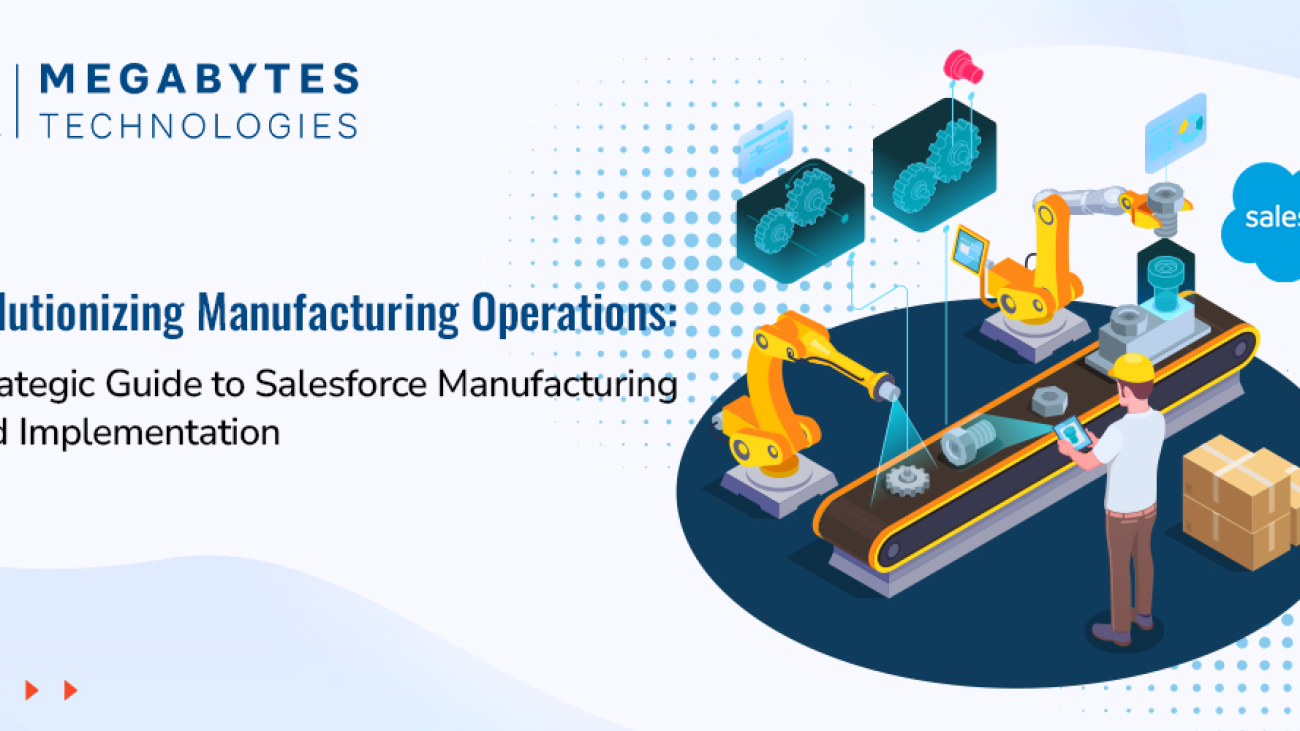
guide to Salesforce manufacturing cloud

Revolutionizing Manufacturing Operations: A Strategic Guide to Salesforce Manufacturing Cloud Implementation

The manufacturing sector is at a pivotal moment in the era of digital transformation. Rapidly changing market dynamics, supply chain complexities, and heightened customer expectations have made it essential for manufacturers to adopt innovative digital solutions. Salesforce Manufacturing Cloud emerges as a powerful tool, purpose-built to meet these challenges and propel industrial operations into the future.

This guide provides an in-depth look at how Salesforce Cloud revolutionizes manufacturing operations, offering actionable insights into its implementation, features, and real-world benefits.

A Complete Guide to Salesforce Manufacturing Cloud Implementation

The manufacturing niche faces a distinct set of challenges that traditional CRM systems are not equipped to handle. Salesforce Manufacturing Cloud bridges these gaps by delivering industry-specific functionalities that align sales, production, and supply chain processes, enabling manufacturers to achieve greater efficiency, visibility, and customer satisfaction.

Unique Challenges Faced by the Manufacturing Sector

  • Disconnected Sales and Operations Planning: Lack of alignment leads to inefficiencies and missed opportunities.
  • Inaccurate Demand Forecasting: Results in overproduction or underproduction, increasing costs and customer dissatisfaction.
  • Limited Supply Chain Visibility: Hampers the ability to respond quickly to market fluctuations.
  • Complex Account Management: Managing diverse client relationships and agreements becomes time-consuming and error-prone.
  • Inefficient Partner Collaboration: Creates bottlenecks and delays in the production and delivery processes.

Salesforce Manufacturing Cloud directly addresses these challenges with tailored solutions that integrate seamlessly into manufacturing workflows.

Essential Components of Manufacturing Cloud Implementation

To maximize the impact of Salesforce Manufacturing Cloud, understanding its key components is crucial. Each feature is designed to enhance specific areas of manufacturing operations.

Account-Based Forecasting

Manufacturing Cloud’s account-based forecasting is a game-changer for sales and production alignment. It enables businesses to create accurate predictions by leveraging historical data, market trends, and real-time insights.

Key Benefits:

  • Aligns sales agreements with production capabilities.
  • Optimizes inventory levels and reduces waste.
  • Enhances data-driven decision-making processes.
  • Lowers operational costs by improving resource utilization.

Sales Agreement Management

This feature simplifies the management of complex sales agreements, ensuring clarity and efficiency.

Key Benefits:

  • Centralized platform for managing contracts.
  • Real-time tracking of committed vs. delivered quantities.
  • Automated processes for contract renewals.
  • Detailed variance analysis and actionable reporting.

Production Planning Integration

Seamlessly linking production plans with customer demand is vital for operational success. Manufacturing Cloud enables this integration with ease.

Key Benefits:

  • Synchronizes sales forecasts with production schedules.
  • Improves capacity utilization visibility in real time.
  • Allows dynamic adjustments to production plans.
  • Enhances resource allocation and workforce planning.

Implementation Roadmap: Your Path to Success

A well-structured implementation roadmap ensures the successful deployment and adoption of Salesforce Manufacturing Cloud. Below are the critical phases to guide your journey.

Phase 1: Assessment and Planning

  • Conduct a comprehensive analysis of current business processes.
  • Define specific manufacturing goals and requirements.
  • Identify integration points with existing ERP and legacy systems.
  • Establish KPIs and success metrics to measure ROI.

Phase 2: Technical Setup and Configuration

  • Configure account-based forecasting to meet unique business needs.
  • Set up sales agreement management for streamlined workflows.
  • Integrate production planning with real-time demand insights.
  • Develop data migration protocols to ensure data accuracy.

Phase 3: Integration and Testing

  • Integrate the Manufacturing Cloud with ERP, MES, and other legacy systems.
  • Perform rigorous user acceptance testing (UAT) to ensure functionality.
  • Validate data accuracy and system workflows.
  • Test the system’s performance under various load conditions.

Phase 4: Training and Deployment

  • Conduct targeted training sessions for employees and stakeholders.
  • Develop easy-to-use documentation and support materials.
  • Plan a phased rollout strategy to minimize disruptions.
  • Establish an ongoing support framework to address future needs.

Real-World Benefits and ROI

Manufacturers that have implemented Salesforce Manufacturing Cloud report measurable improvements across key metrics, underscoring the platform’s transformative potential.

Key Benefits:

  • 25% Increase in Forecast Accuracy: Enhanced demand planning and inventory optimization.
  • 30% Reduction in Planning Cycle Time: Faster decision-making and improved agility.
  • 20% Improvement in Customer Satisfaction: Better account management and personalized experiences.
  • 15% Decrease in Operational Costs: Streamlined processes and reduced waste.
  • 40% Better Visibility Across Operations: Real-time insights into the supply chain and production schedules.

Real-World Example: Success Story

A leading automotive parts manufacturer implemented Salesforce Manufacturing Cloud to bridge gaps between their sales and production teams. Within six months, they achieved:

  • 35% improvement in on-time deliveries.
  • 15% reduction in inventory carrying costs.
  • Enhanced collaboration between their global teams.

This demonstrates how Manufacturing Cloud directly addresses industry pain points, enabling businesses to thrive in competitive markets.

Best Practices for Optimal Implementation

Data Management

Ensuring high-quality data is the backbone of a successful Manufacturing Cloud implementation.

  • Regularly audit and clean data for consistency.
  • Establish strong data governance policies.
  • Automate data validation to minimize errors.
  • Use robust data analytics tools for actionable insights.

Change Management

Securing user adoption is critical for long-term success.

  • Secure executive sponsorship to drive the initiative.
  • Develop a communication plan to address employee concerns.
  • Conduct regular training sessions tailored to user needs.
  • Collect and act on user feedback to refine processes.

System Integration

Smooth integration with existing systems ensures seamless operations.

  • Prioritize critical integration points, such as ERP and supply chain systems.
  • Use robust APIs for real-time data synchronization.
  • Monitor system performance to identify and resolve issues proactively.
  • Regularly update systems to leverage new features and capabilities.

Future-Proofing Your Manufacturing Operations

As the manufacturing industry continues to evolve, Salesforce Manufacturing Cloud offers the flexibility to adapt and innovate.

  • Industry 4.0: Integration with IoT for smarter manufacturing.
  • AI-Driven Predictive Analytics: Enhanced decision-making capabilities.
  • Sustainable Practices: Support for eco-friendly production initiatives.
  • Enhanced Automation: Greater efficiency through advanced automation tools.

Manufacturers can leverage these trends to stay ahead of the curve and maintain a competitive edge in the market.

Take the Next Step in Your Digital Transformation Journey

Ready to elevate your manufacturing operations with Salesforce Manufacturing Cloud?

Partner with Megabytes Technologies for a seamless and impactful implementation. Our team of certified experts specializes in:

  • Assessing your current operations and pain points.
  • Crafting customized Salesforce strategies tailored to your unique needs.
  • Ensuring smooth deployment with minimal disruption.
  • Driving user adoption and maximizing ROI.

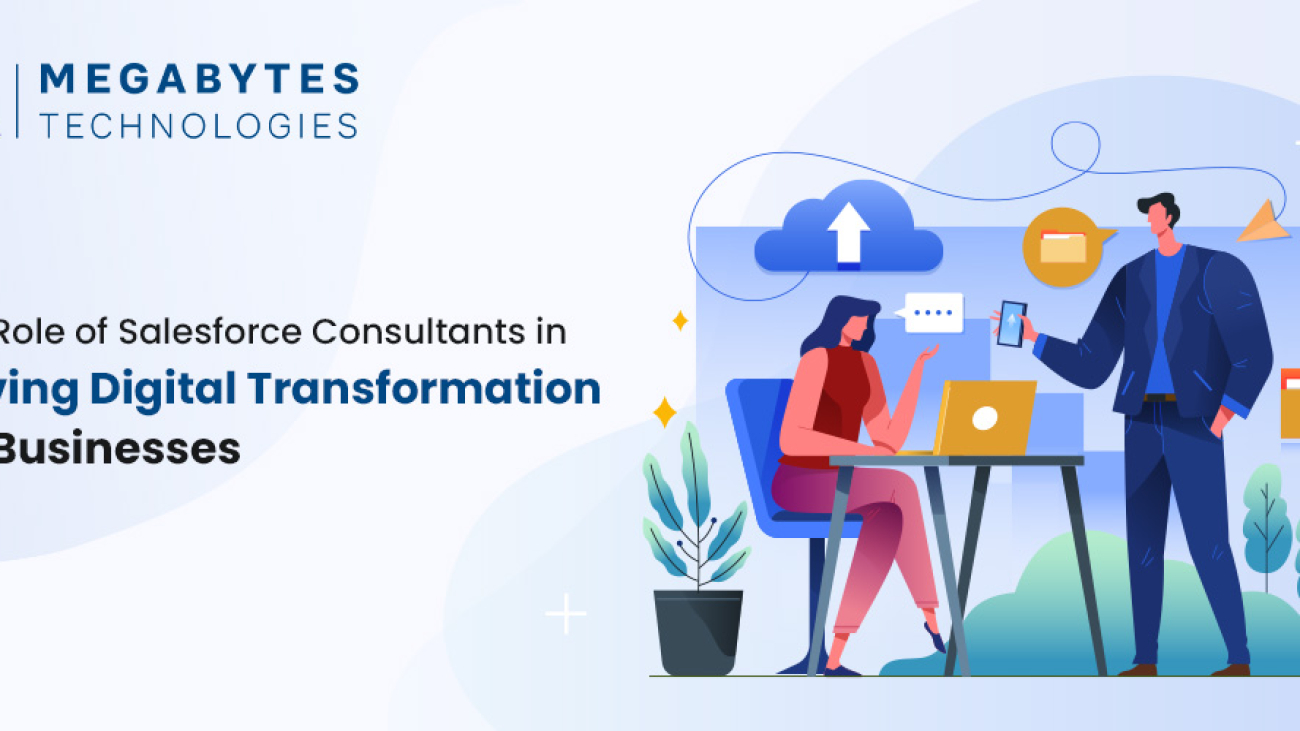
Role of Salesforce Consultants in Digital Transformation

The Role of Salesforce Consultants in Driving Digital Transformation for Businesses

In today’s fast-paced business landscape, companies must continuously evolve to meet customer expectations, optimize processes, and stay ahead of the competition. As businesses increasingly embrace digital-first strategies, the need for effective Customer Relationship Management (CRM) systems has never been greater. Salesforce, a leading CRM platform, offers powerful solutions that can transform a business’s approach to customer relationships, data management, and workflow automation. 

However, successfully implementing and optimizing Salesforce requires expert guidance, which is where Salesforce consultants come in. These professionals play a pivotal role in helping businesses adapt to a digital-first environment by leveraging Salesforce’s capabilities to streamline operations, drive growth, and enhance customer experiences.

The Role of Salesforce Consultants in Digital Transformation

1. Understanding Salesforce Consultants and Their Role

Salesforce consultants are professionals with specialized expertise in Salesforce’s suite of tools, solutions, and best practices. Their primary role is to guide businesses through the process of Salesforce implementation, customization, and optimization. 

Whether a company is adopting Salesforce for the first time or looking to improve their existing Salesforce setup, consultants offer invaluable support in ensuring the platform aligns with specific business goals. They help businesses navigate the complexities of CRM integration services, ensuring that the system works seamlessly with existing processes and software.

2. How Salesforce Consultants Enable Digital Transformation

Digital transformation involves adopting technology to radically improve business processes, customer interactions, and overall performance. Salesforce consultants facilitate this transformation by aligning Salesforce’s features with a company’s unique needs. 

From automating routine tasks to providing real-time customer insights, Salesforce empowers businesses to make data-driven decisions, enhance customer engagement, and increase efficiency.

A key aspect of the role of Salesforce consultants is helping businesses integrate Salesforce with other enterprise software. With their expertise in CRM integration services, consultants ensure that Salesforce is properly linked to marketing, sales, and service platforms, creating a unified ecosystem for data and process management.

3. The Benefits of Working with Salesforce Consultants

Salesforce consultants provide several benefits to businesses undergoing digital transformation:

  1. Tailored Solutions: Salesforce consultants offer customized Salesforce implementations that fit a company’s specific needs, ensuring that businesses get the most out of the platform.
  2. Streamlined Processes: Consultants help businesses automate workflows, reduce manual intervention, and eliminate inefficiencies, allowing for a smoother and more effective operation.
  3. Enhanced Customer Experience: With advanced analytics and reporting capabilities, Salesforce consultants enable businesses to better understand customer behavior, preferences, and needs, leading to improved customer service and engagement.
  4. Increased ROI: By optimizing Salesforce’s capabilities, consultants help businesses maximize their return on investment by using the platform to its full potential.
  5. Ongoing Support and Maintenance: Salesforce consultants don’t just implement Salesforce; they also provide continuous support and maintenance to ensure the system continues to evolve with the business and remains aligned with changing goals and technologies.

4. The Importance of Salesforce Integration Services

Salesforce integration is a critical aspect of digital transformation. For businesses with a complex tech stack, integrating Salesforce with other systems such as ERP software, accounting platforms, and marketing tools is essential. 

Salesforce consultants are experts in managing these integrations, ensuring that data flows seamlessly across platforms and that the company can operate efficiently without disruptions.

Successful Salesforce integration can lead to enhanced data accuracy, better communication across departments, and more actionable insights for decision-making. Additionally, a well-integrated Salesforce system ensures that all customer data is accessible in one place, which improves both the sales team’s productivity and customer satisfaction.

5. How Salesforce Features Drive Business Growth

Salesforce is packed with features that can accelerate business growth. Some of the most notable features that Salesforce consultants leverage include:

  • Salesforce Automation: Automates sales processes, reducing manual tasks and allowing the sales team to focus on high-value activities.
  • Analytics and Reporting: Provides actionable insights into customer behavior and business performance, which is crucial for data-driven decision-making.
  • Customer 360: Offers a unified view of every customer interaction, helping businesses personalize their communication and enhance customer experiences.
  • AI Integration (Salesforce Einstein): Leverages artificial intelligence to predict trends, recommend actions, and deliver personalized experiences to customers.

Salesforce consultants guide businesses in utilizing these features to improve sales, marketing, and customer service efforts, driving overall business growth and efficiency.

6. Best Practices for Implementing Salesforce

While Salesforce offers powerful tools, the success of implementation depends on following CRM best practices. Salesforce consultants help businesses establish these best practices from the start to ensure smooth adoption and long-term success. Some best practices include:

  • Clear Objective Setting: Establishing clear goals and expectations from Salesforce implementation helps consultants design a solution that delivers real value.
  • Data Migration: Ensuring that data is transferred accurately from legacy systems to Salesforce is crucial for maintaining data integrity.
  • User Training: Proper training ensures that employees can effectively use Salesforce, maximizing its benefits for the business.
  • Continuous Improvement: Salesforce is a flexible platform that can evolve over time. Consultants help businesses continuously improve their Salesforce setup based on changing needs and goals.

7. Why You Need a Salesforce Consultant for Your Business

While it’s possible for businesses to attempt Salesforce implementation on their own, working with a Salesforce consultant ensures that the process is done correctly the first time. Consultants bring years of experience, best practices, and technical expertise that allow businesses to avoid common pitfalls and implement Salesforce efficiently. They also help ensure that Salesforce is aligned with business goals and scalable for future growth.

By collaborating with a Salesforce consultant, businesses can not only achieve a successful Salesforce implementation but also unlock the full potential of the platform, leading to better customer relationships, streamlined operations, and enhanced business performance.

Conclusion

In conclusion, Salesforce consultants play a crucial role in helping businesses undergo digital transformation by leveraging Salesforce’s robust CRM capabilities. From implementation and integration to ongoing support and optimization, consultants ensure that businesses make the most of Salesforce to drive growth, efficiency, and customer satisfaction. 

If your business is looking to harness the power of Salesforce for digital transformation, contact Megabytes Technologies for expert Salesforce consulting services and a seamless Salesforce experience.

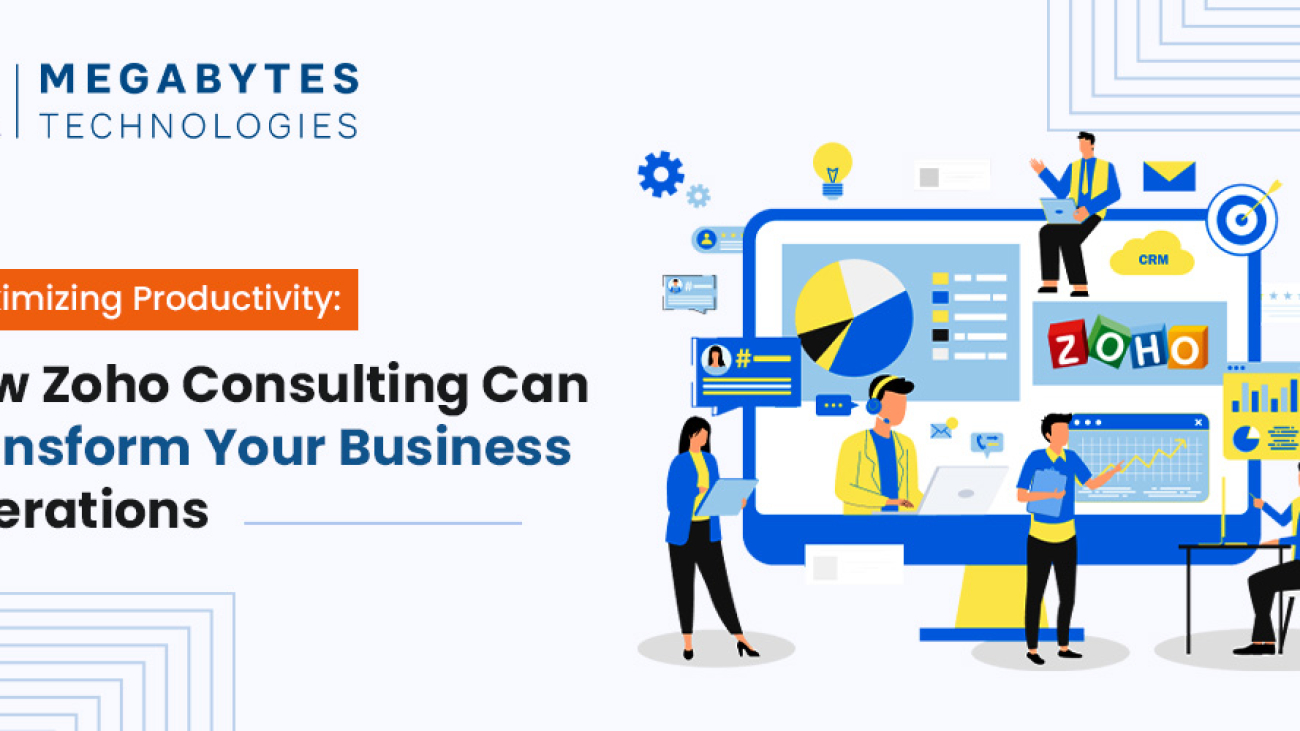
How Zoho Consulting Can Transform Your Business Operations

Maximizing Productivity: How Zoho Consulting Can Transform Your Business Operations?

How Zoho Consulting can Transform your Business Operations

In today’s fast-paced business world, staying ahead of the competition means leveraging technology to streamline operations and increase productivity. As businesses grow, the need for an efficient and scalable system becomes crucial. Zoho, a robust suite of applications, has become the go-to solution for many businesses looking to improve their operational workflows and achieve sustainable growth. But implementing Zoho can be complex without the right guidance. That’s where Zoho consulting services come into play.

In this blog, we will explore how Zoho consulting enhance productivity, and drive growth for your business. We will delve into key Zoho productivity tips, compare Zoho with Salesforce, and discuss the importance of CRM consulting for businesses looking to make the most of these tools.

Why Zoho Consulting Services Matter for Your Business

When it comes to managing business processes, the right tools can make all the difference. Zoho offers a wide range of applications that cover everything from CRM (Customer Relationship Management) to HR, finance, and marketing automation. But simply purchasing a Zoho subscription is not enough to unlock its full potential. Professional Zoho consulting services can help businesses integrate Zoho solutions into their existing workflows seamlessly, ensuring maximum efficiency.

The Benefits of Zoho Consulting

Expert Guidance: Zoho consultants have the knowledge and experience to recommend the best Zoho solutions tailored to your specific business needs. They will guide you through the entire process, from setup to optimization, ensuring you get the most value from your investment.

Customized Solutions: Every business is unique, and so are its needs. Zoho consultants work closely with you to understand your processes and customize the system to fit your business model. This ensures smoother workflows, better data management, and improved decision-making.

Streamlined Operations: Zoho can integrate various functions within your organization, allowing for real-time collaboration across departments. A Zoho consultant will ensure that you use Zoho tools in a way that eliminates bottlenecks and improves the flow of information.

Improved Productivity: By automating tasks and providing insightful analytics, Zoho can free up valuable time for your employees. A consultant will ensure that your business uses Zoho to automate repetitive tasks, improve lead management, and enhance communication.

Better ROI: Zoho is a cost-effective solution for businesses, and professional consulting ensures you get the best return on your investment by optimizing the platform for your specific needs.

How Zoho Improves Productivity

When it comes to boosting productivity, Zoho offers a comprehensive set of features that businesses can leverage. Whether you’re looking to automate marketing campaigns or manage customer relationships more effectively, Zoho provides the tools you need to scale.

Zoho CRM: The Heart of Business Growth

Zoho CRM is one of the most powerful tools in the Zoho suite. It helps businesses manage customer relationships, automate sales workflows, and generate insights into customer behavior. With Zoho CRM, your team can track leads, manage follow-ups, and close deals faster. Zoho consultants can help set up your CRM to fit your unique business needs and ensure seamless integration with other tools.

Key Features of Zoho CRM:

  • Sales Automation: Automate routine sales tasks and focus on high-value activities.
  • Lead Management: Capture, track, and nurture leads more effectively.
  • Analytics and Reports: Gain valuable insights into sales performance, customer behavior, and team productivity.
  • Customization: Tailor the CRM to fit your business processes and workflows.

By optimizing Zoho CRM, you can ensure your sales team is working efficiently, converting more leads, and closing deals faster.

Zoho Analytics: Data-Driven Decision Making

Zoho Analytics is a powerful business intelligence tool that allows you to visualize your data and make data-driven decisions. By integrating Zoho Analytics into your workflows, you can analyze key performance metrics and spot trends that can help you improve your operations.

Zoho consultants can help set up custom dashboards and reports that are relevant to your business, allowing you to monitor productivity in real time. Whether it’s tracking sales performance, project timelines, or customer engagement, Zoho Analytics provides a comprehensive view of your business’s performance.

Zoho Marketing Automation: Automating Lead Generation

Zoho’s marketing automation tools can be a game-changer for businesses looking to scale. With Zoho Campaigns, Zoho Social, and Zoho Marketing Automation businesses can automate email marketing, social media campaigns, and more. Zoho consultants can help you implement marketing automation strategies that target the right audience and drive more conversions.

Automated workflows reduce manual effort and ensure that your team is spending more time on strategic initiatives. By using Zoho’s marketing tools, you can track the effectiveness of your campaigns and adjust in real-time, ensuring you stay ahead of the competition.

Zoho vs. Salesforce: Which is Right for Your Business?

When considering CRM solutions, businesses often face the decision between Zoho and Salesforce. Both platforms offer robust tools, but they cater to different needs.

  • Zoho CRM: Best suited for small to mid-sized businesses looking for an affordable yet powerful CRM solution with extensive customization options.
  • Salesforce CRM: Often the choice for large enterprises needing highly advanced features and integrations, but at a higher cost.

A Zoho consultant can guide you in making the right decision based on your business size, budget, and specific needs. For many businesses, Zoho CRM offers more flexibility and cost-effectiveness, making it an attractive option.

CRM Consulting for Businesses: Unlocking Zoho’s Full Potential

The key to getting the most out of Zoho is working with an experienced consultant who understands the nuances of the platform. CRM consulting services help businesses not only implement Zoho but also optimize it for long-term success.

The Importance of CRM Consulting

  • Personalized Strategy: Consultants create a CRM strategy that aligns with your business goals and ensures maximum productivity.
  • Ongoing Support: Zoho consultants provide continuous support, ensuring that your system stays up-to-date and optimized.
  • Advanced Integrations: Consultants help integrate Zoho with other business tools, creating a seamless workflow that enhances productivity.

By working with a CRM consultant, you can ensure that Zoho becomes a central part of your business strategy, driving efficiency and growth.

How to Maximize Productivity with Zoho Consulting

To make the most of Zoho’s capabilities, it’s essential to follow best practices for implementation. Here are a few tips for maximizing productivity with Zoho:

  1. Define Clear Objectives: Before implementation, outline what you want to achieve with Zoho. Whether it’s improving lead generation or automating customer support, clear goals will guide the configuration process.
  2. Invest in Training: Zoho offers powerful features, but your team needs to know how to use them effectively. Zoho consultants can provide training to ensure your team is fully equipped to use the platform.
  3. Optimize Processes: Regularly assess and improve your workflows. Zoho allows you to customize almost every aspect of the platform, so take advantage of this flexibility to optimize your processes over time.
  4. Measure Success: Use Zoho’s built-in analytics tools to measure the success of your implementation and identify areas for improvement.

Conclusion: Get Started with Zoho Consulting Today

In conclusion, Zoho is a powerful tool that can significantly improve productivity and streamline your business operations. However, to unlock its full potential, working with an expert Zoho consultant is crucial. At Megabytes Technologies, we specialize in providing tailored Zoho consulting services to help businesses like yours thrive.

If you’re ready to take your business to the next level with Zoho, contact us today for a free consultation. Our team of experts will work closely with you to implement Zoho solutions that drive efficiency and growth.

Contact Megabytes Technologies for Zoho Consulting Services

Salesforce Lightning Features

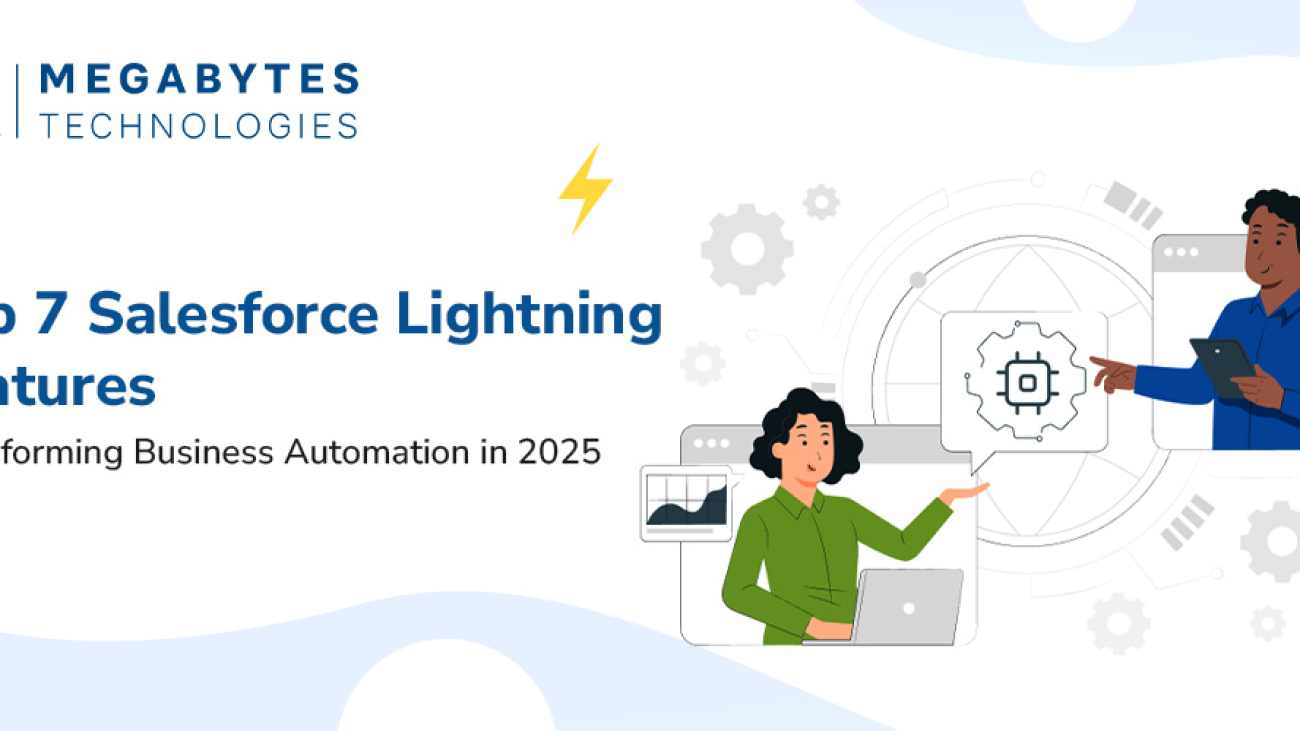
Top 7 Salesforce Lightning Features Transforming Business Automation in 2025

Introduction: How Salesforce Lightning Transfer Business Automation

As we enter 2025, businesses are accelerating their shift towards automation to optimize operations, deliver exceptional customer experiences, and drive growth. Salesforce Lightning stands out as a leader in the CRM ecosystem, offering cutting-edge features tailored for modern businesses. From simplifying workflows to leveraging artificial intelligence, Salesforce Lightning’s robust features empower organizations to work smarter and faster.

Here’s a deep dive into the 7 Salesforce Lightning features that are revolutionizing business automation and why they are indispensable for 2025.

1. Lightning Flow: Simplifying Complex Processes

In the age of automation, repetitive and manual tasks are the first to go. Enter Lightning Flow, Salesforce’s premier tool for creating seamless workflows and approval processes.

What Is Lightning Flow?

Lightning Flow allows users to design, automate, and optimize complex workflows using a drag-and-drop interface. It caters to all levels of technical expertise, ensuring that even non-technical users can create impactful processes.

Benefits of Lightning Flow

  • Time-Saving Automation: Eliminates redundant manual tasks like data entry or email follow-ups.
  • Error Reduction: Automates processes with built-in logic, reducing the likelihood of human error.
  • Enhanced Collaboration: Allows team members to track and share progress in real-time.

Use Case

Imagine a global sales team managing leads. With Lightning Flow, leads can be automatically assigned to sales reps based on location, ensuring faster follow-ups and higher conversions.

2. Einstein AI: Insights That Drive Decisions

In an era of data-driven decision-making, Einstein AI emerges as a game-changer. By integrating artificial intelligence directly into Salesforce, Einstein provides predictive insights and actionable recommendations.

How Einstein AI Works

Einstein analyzes historical data, customer behavior, and market trends to forecast outcomes, prioritize actions, and suggest next steps.

Key Features

  • Predictive Lead Scoring: Identifies leads with the highest conversion potential.
  • Opportunity Insights: Recommends the next best actions to close deals faster.
  • Natural Language Processing: Analyzes customer sentiment in emails and chats.

Use Case

A retail business can use Salesforce Einstein AI to predict customer churn, allowing them to proactively engage with at-risk customers through personalized offers.

Start making smarter decisions with Salesforce implementation for businesses.

3. App Builder: Customization Without Code

Businesses need tools that adapt to their unique workflows, and the Lightning App Builder provides exactly that.

What Is Lightning App Builder?

The App Builder empowers users to design custom applications tailored to their business needs—without writing a single line of code.

Benefits

  • Flexibility: Create apps for specific departments, such as sales dashboards or HR portals.
  • Cost-Effective Customization: No need to hire developers for basic app customization.
  • Rapid Deployment: Design and deploy apps in days, not months.

Use Case

A real estate agency can use the App Builder to create a property management app, displaying available properties, client details, and agent performance in one interface.

4. Dynamic Forms and Pages: Delivering Personalized Experiences

Customers expect personalized interactions, and Dynamic Forms and Pages help businesses meet that demand.

How It Works

Dynamic Forms allow businesses to display fields and components on a page based on specific criteria, such as user roles, record types, or customer segments.

Benefits

  • Improved User Experience: Show only relevant information to specific users.
  • Efficiency Gains: Minimize clutter and simplify data input.
  • Real-Time Personalization: Adapt pages dynamically based on customer behavior.

Use Case

An insurance company can use Dynamic Forms to display policy renewal options only for customers nearing their expiration date.

5. Lightning Experience: A New Era of Productivity

The Lightning Experience redefines how users interact with Salesforce, focusing on speed, usability, and aesthetics.

Key Features

  • Enhanced Navigation: Simplified menus and workspaces tailored to user needs.
  • Faster Loading Times: Designed for efficiency, especially in data-heavy environments.
  • Optimized Mobile Experience: Seamlessly transition between desktop and mobile.

Why It Matters

Sales teams can access customer insights in seconds, making client interactions more meaningful and productive.

Upgrade to Lightning Experience with our Salesforce consulting services.

6. Integration with Third-Party Tools

In today’s digital ecosystem, no tool works in isolation. Salesforce Lightning excels in integrating with third-party tools to create a unified tech stack.

  • Slack: Streamline team communication and project updates.
  • Zoom: Schedule and conduct virtual meetings directly within Salesforce.
  • Google Workspace: Sync emails, calendars, and documents seamlessly.

Use Case

A consulting firm can integrate Slack to receive real-time alerts when a deal is closed, ensuring immediate team collaboration on onboarding.

Explore seamless integrations with Salesforce features in the upcoming years.

7. Lightning Reports and Dashboards: Insights at Your Fingertips

Data visualization plays a crucial role in tracking performance and making informed decisions. Lightning Reports and Dashboards take this to the next level.

What It Offers

  • Customizable Dashboards: Tailor views to track KPIs relevant to specific teams.
  • Real-Time Updates: Access the latest metrics anytime, anywhere.
  • Interactive Reports: Drill down into data for deeper insights.

Use Case

A sales manager can create a dashboard to monitor team performance, identify top-performing reps, and address underperforming areas.

Conclusion: Empower Your Business with Salesforce Lightning

The future of business automation is here, and Salesforce Lightning is leading the charge. By embracing features like Einstein AI, Lightning Flow, and Dynamic Forms, businesses can unlock new levels of efficiency and growth in 2025.

If you’re ready to harness the power of Salesforce Lightning for your organization, contact Megabytes Technologies today. From Salesforce customization to CRM strategies, we’ll help you stay ahead in this competitive landscape.

Salesforce Sales Cloud

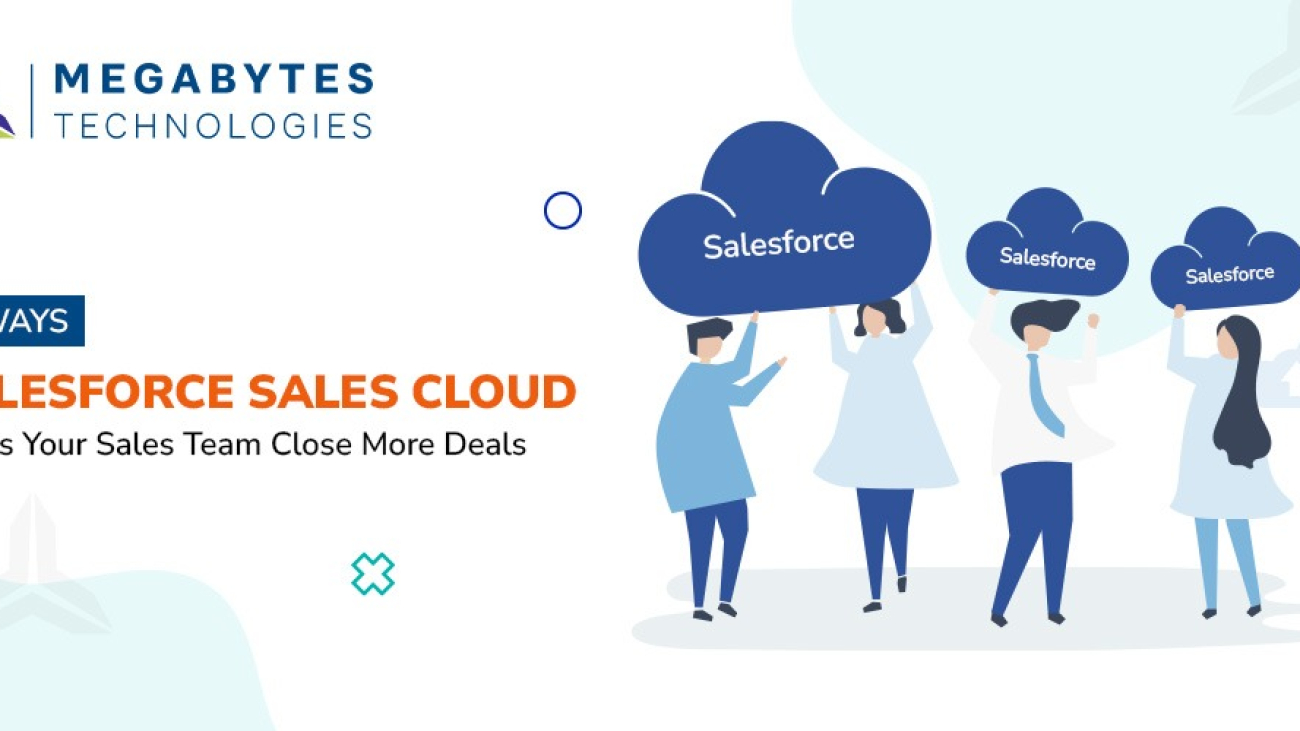
8 Ways Salesforce Sales Cloud Helps Your Sales Team Close More Deals

Why Modern Sales Teams Need Salesforce Sales Cloud

Sales teams today face more challenges than ever. From managing complex sales cycles to meeting rising customer expectations, the demand for efficiency and precision has never been higher. Salesforce Sales Cloud emerges as the ultimate solution, offering tools that enhance productivity, streamline workflows, and close more deals faster.

In this blog, we’ll explore 8 powerful ways Salesforce Sales Cloud empowers sales teams to not only meet their goals but exceed them. If you’re looking for sales efficiency, CRM implementation, advanced CRM sales automation, and forecasting accuracy, this guide is for you.

1. Automating Sales Processes to Save Time

Eliminating Repetitive Tasks

Repetitive administrative tasks often bog down sales reps. Salesforce Sales Cloud offers:

  • Automated Email Follow-Ups: Send personalized emails without manual effort.
  • Lead Assignment Rules: Automatically distribute leads to the right team members based on set criteria.
  • Task Reminders: Never miss a deadline or follow-up.

Why It Matters: Automation lets your team focus on selling instead of time-consuming administrative duties, increasing productivity and deal closure rates.

2. Accurate Sales Forecasting for Better Decision-Making

Leveraging Predictive Analytics

With Salesforce Sales Cloud, sales teams gain access to real-time forecasting tools.

  • Pipeline Insights: Track deal stages and their likelihood of closing.
  • Trend Analysis: Use historical data to predict future sales outcomes.
  • Customizable Dashboards: Tailor forecasts to your unique business metrics.

Salesforce Features: With accurate forecasts, sales managers can set realistic goals and allocate resources effectively.

3. Building Deeper Customer Relationships with Customer 360

A Unified View of Every Customer

Salesforce Sales Cloud’s Customer 360 feature consolidates customer data from multiple touchpoints, enabling sales reps to:

  • Understand customer preferences and pain points.
  • Personalize communications based on past interactions.
  • Offer tailored solutions to drive loyalty.

Business Growth with Salesforce: By knowing your customers better, you can enhance trust and long-term partnerships.

4. Enhancing Team Collaboration with Slack Integration

Seamless Communication Across Teams

Salesforce’s integration with Slack ensures that sales teams collaborate effectively.

  • Deal Updates: Share updates and progress directly in Slack.
  • File Sharing: Access and share important documents instantly.
  • Instant Notifications: Get alerts about deal changes or customer interactions.

CRM Best Practices: Collaboration breaks down silos, improving the sales process and boosting team efficiency.

5. Driving Smarter Selling with AI-Powered Insights

Einstein AI at Your Service

Einstein AI provides actionable insights to sales reps, enabling smarter decision-making.

  • Opportunity Scoring: Identify high-potential leads and prioritize efforts.
  • Next Best Action: Get recommendations for the most effective follow-up actions.
  • Customer Behavior Analysis: Understand patterns to predict needs.

Pro Tip: AI-driven selling ensures that your sales team spends time on the most impactful opportunities.

6. Improving Lead Management for Faster Conversions

Streamlined Lead Tracking

Salesforce Sales Cloud offers robust tools for managing and converting leads.

  • Lead Capture Automation: Pull leads directly from websites, emails, and social media.
  • Lead Nurturing Campaigns: Engage prospects with personalized messaging.
  • Real-Time Updates: Monitor lead progress and adjust strategies accordingly.

Why It Matters: Improved lead management shortens sales cycles and increases close rates.

7. Personalizing Sales Campaigns with Marketing Cloud

Tailored Marketing for Better Engagement

Salesforce Sales Cloud integrates with Marketing Cloud to deliver targeted campaigns.

  • Segmentation: Divide your audience based on demographics, behavior, or stage in the sales funnel.
  • Automation: Send relevant content to the right person at the right time.
  • Performance Metrics: Track and optimize campaign results.

Salesforce Tools for Sales: Personalized marketing leads to higher engagement and faster deal closures.

8. Securing Data with Salesforce Shield

Protecting Your Business and Customer Data

In an age where data breaches are common, Salesforce Shield provides:

  • Encryption: Keep sensitive data secure.
  • Audit Trails: Monitor who accessed or modified data.
  • Real-Time Threat Detection: Identify and mitigate risks proactively.

Sales Growth with Salesforce: Building trust with secure data management ensures customer loyalty and compliance.

Conclusion: Unlock Your Sales Potential with Salesforce Sales Cloud

Salesforce Sales Cloud is more than a CRM tool—it’s a game-changer for sales teams striving to close more deals, faster and smarter. From automation to AI-driven insights, it equips your team with everything they need to thrive in a competitive marketplace.

Ready to take your sales efficiency to the next level? Contact Megabytes Technologies today for expert Salesforce consulting services, Salesforce implementation, and CRM consulting for sales.

Let’s make 2025 your best sales year yet!

10 Must-Have Salesforce Features for Every Business in 2025

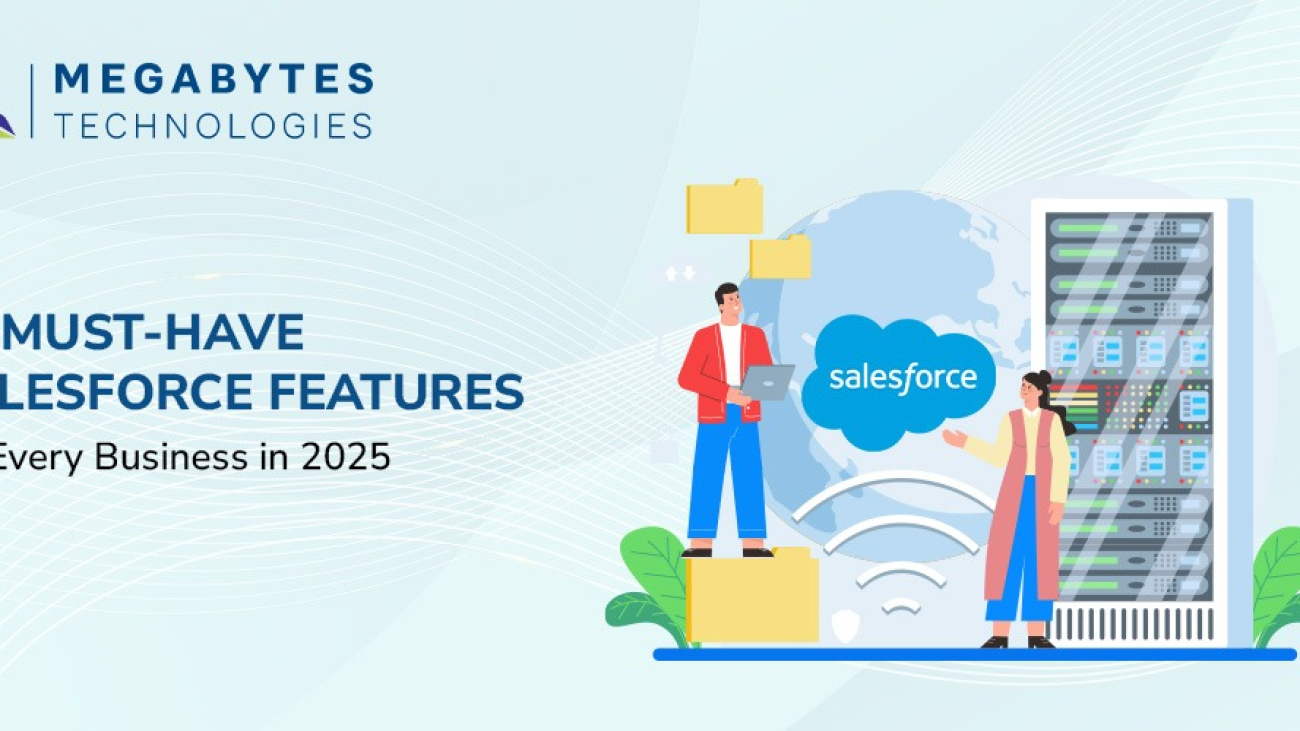
10 Must-Have Salesforce Features for Every Business in 2025

Salesforce Features in 2025

As we step into 2025, businesses are evolving at an unprecedented pace, and so are their needs for managing customer relationships. Salesforce, the world’s leading CRM platform, is not just a tool—it’s a strategic partner that empowers organizations to achieve unparalleled efficiency, customer satisfaction, and growth.

But with so many features available, how do you know which ones are crucial for your business? This guide explores the top 10 Salesforce features every business should leverage in 2025 to enhance operations, drive sales, and deliver exceptional customer experiences.

Whether you’re looking into Salesforce implementation, Salesforce integration services, or simply aiming to adopt CRM best practices, this blog is for you.

1. Einstein Analytics: AI-Powered Insights for Smarter Decisions

Gone are the days of relying solely on intuition. Einstein Analytics, Salesforce’s AI-driven feature, empowers businesses to:

  • Predict customer behavior.
  • Identify trends in real-time.
  • Automate data-driven recommendations.

Why You Need It: Salesforce Einstein’s capabilities can revolutionize your CRM experience and drive business growth.

2. Salesforce Flow: Streamlining Business Processes

Salesforce Flow simplifies workflows by automating repetitive tasks and integrating complex processes.

  • Visualize processes with drag-and-drop tools.
  • Automate approvals, data updates, and email notifications.

CRM Best Practices: Save time and reduce human errors with tailored automation workflows.

3. Customer 360: A Holistic View of Your Customers

Customer 360 combines data from marketing, sales, service, and more into a unified dashboard, offering a single source of truth.

  • Personalize customer interactions.
  • Enhance customer retention and loyalty.

Business Growth with Salesforce: Understanding your customers better drives loyalty and revenue.

4. Sales Cloud: Closing Deals Faster

Sales Cloud, a flagship Salesforce product, is a game-changer for sales teams.

  • Optimize lead management.
  • Automate sales forecasting.
  • Collaborate seamlessly with built-in tools.

Pro Tip: Combine Sales Cloud with Einstein Analytics for deeper insights into your sales funnel.

5. Marketing Cloud: Connecting with Customers Personally

In 2025, personalization will dominate marketing strategies. Marketing Cloud helps businesses:

  • Deliver tailored campaigns across multiple channels.
  • Use AI for segmenting audiences.
  • Track campaign performance in real-time.

CRM Best Practices: Align your marketing and sales efforts for consistent messaging.

6. Service Cloud: Elevating Customer Support

Customer support is no longer reactive—it’s proactive. With Service Cloud, you can:

  • Provide omnichannel support.
  • Use AI-driven chatbots for 24/7 assistance.
  • Monitor case resolutions efficiently.

Salesforce Consulting Services: Service Cloud ensures every customer feels valued.

7. Tableau CRM: Visualize Data Like Never Before

Tableau CRM, integrated into Salesforce, offers advanced data visualization capabilities.

  • Turn raw data into interactive dashboards.
  • Share insights across teams effortlessly.

Salesforce Features: A must-have for data-driven decision-making in 2025.

8. Salesforce Shield: Ensuring Data Security

As cyber threats grow, data security is a top priority. Salesforce Shield protects sensitive information through:

  • Advanced encryption.
  • Real-time monitoring.
  • Audit trail tracking.

Business Growth with Salesforce: Protect your customers’ trust by safeguarding their data.

9. AppExchange: Expanding Salesforce Functionality

Salesforce AppExchange allows businesses to explore and integrate third-party apps seamlessly.

  • Discover tools for finance, HR, and more.
  • Customize your CRM experience.

Pro Tip: Combine AppExchange apps with Salesforce integration services for maximum impact.

10. Slack Integration: Enhancing Team Collaboration

With Salesforce and Slack working together, communication within teams becomes effortless.

  • Share updates directly from Salesforce to Slack channels.
  • Improve productivity through instant collaboration.

CRM Best Practices: Break down silos and promote collaboration across departments.

Conclusion: The Time to Act is Now

Salesforce isn’t just a CRM; it’s the foundation for business success in 2025. By leveraging these top 10 features, you can transform how your business operates, engages customers, and drives growth.

Need help implementing these features?

At Megabytes Technologies, we specialize in Salesforce consulting services, Salesforce implementation, and Salesforce integration services to ensure your business reaps the full benefits of this powerful platform.

Contact us today to revolutionize your CRM strategy with business growth with Salesforce solutions!